
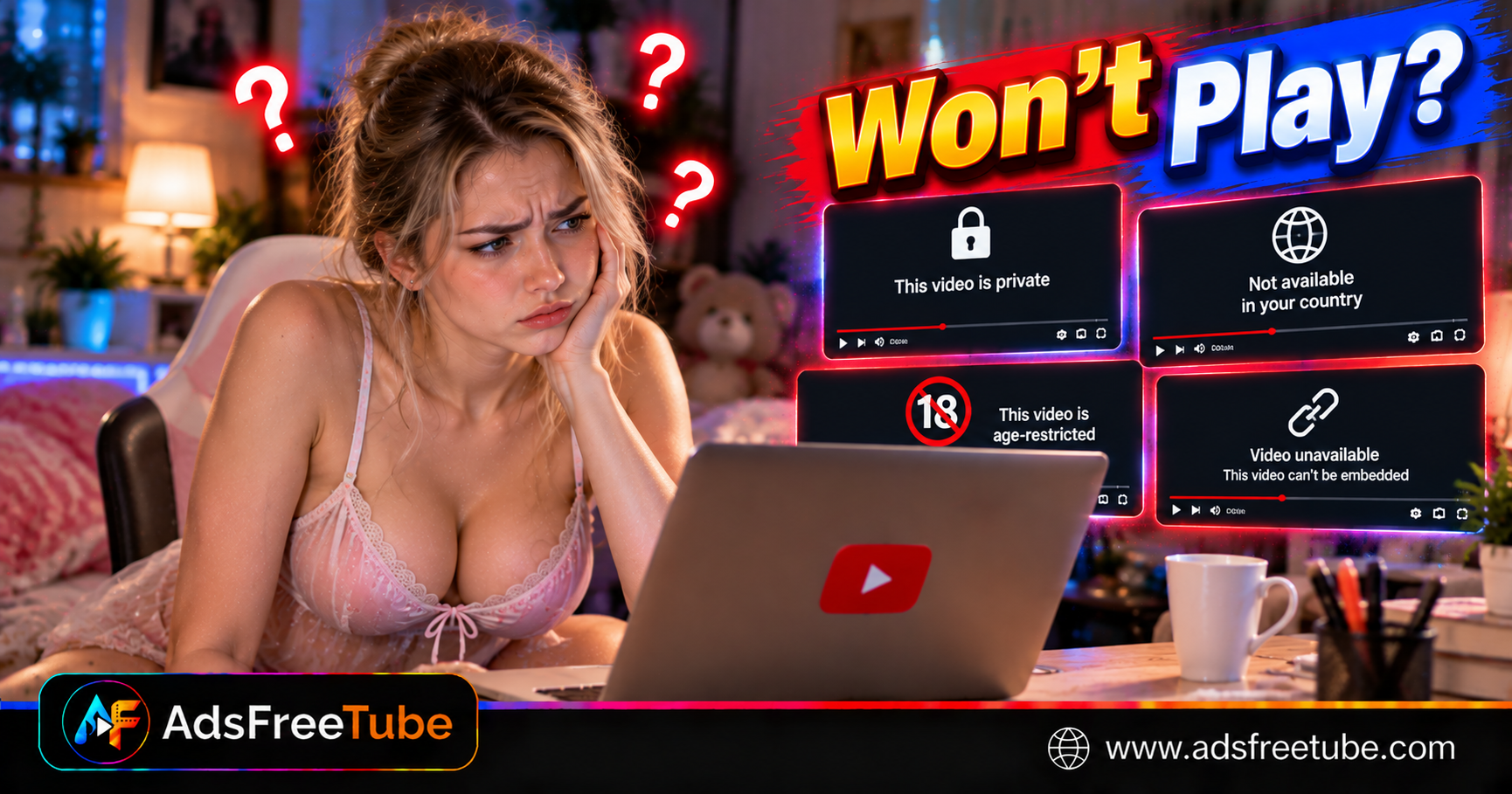
Key Takeaways
- Open the original YouTube watch page first: its message helps distinguish access restrictions from player problems.
- Private videos require an invitation and the correct signed-in account; a copied link alone does not grant access.
- Regional availability and age requirements remain in force when you switch players.
- A public video can still have embedding disabled, while error 153 points to missing player client identification.
- Test another known playable video before clearing data, reinstalling apps, or changing network settings.
You open a YouTube link, press Play, and see an unavailable-video message. Another video works immediately. The difference may be who can watch, where they can watch, or which player they are using.
Understanding that distinction saves repeated reloads and unnecessary reinstalls. This guide explains private, region-locked, age-restricted, and embedded-video failures, with practical steps for viewers and website owners. 🎬
Why won't a YouTube video play?
A YouTube video may fail because its owner limited access, regional availability excludes your location, your account does not meet age requirements, or playback outside YouTube is blocked. Open the original watch page and compare another video to identify the relevant restriction.
Copy the video's original link and open it directly in the YouTube app or a normal browser tab. Record the exact message. If you were using an embedded player, choose Watch on YouTube when offered.
| Message or behavior | What it suggests | Useful next step |
|---|---|---|
| Private video | Access limited to invited viewers | Sign in with the invited account |
| Unavailable in your country or region | Regional distribution restriction | Look for an authorized local release |
| Sign in to confirm your age | Age eligibility must be established | Follow YouTube's account prompts |
| Playback on other websites disabled | Embedding blocked by the owner | Watch on the original YouTube page |
| Error 153 | Missing embed client identification | Report the page to its operator |
| Generic unavailable message | Several possible causes | Compare the original page and another video |
These are diagnostic clues. A generic error by itself does not establish that the uploader deleted the video.
Private videos and the difference from unlisted links
A private video is available only to the owner and invited viewers. According to YouTube's private-video help, viewers must sign in with the account the owner shared it with and use the video's specific link.
If you have several Google accounts, check the active account before requesting another invitation. A work address and a personal address are separate identities even when both belong to you.
An unlisted video works differently: people with its link can generally watch and reshare it, subject to other restrictions. Unlisted does not mean private, and a link received months ago may stop working if the owner changes visibility.
Ask the owner to confirm the intended account and current visibility. Do not ask them to make confidential material public merely to fix playback. If the video was removed, request an updated authorized link; browser settings cannot restore the upload.
Region-locked videos and local availability
A country or region message usually concerns distribution rights or availability requirements. YouTube explains regional restrictions as either owner-selected availability, often related to licensing, or blocks needed to comply with local laws.
Check the creator's official channel or distributor for a version available where you are. A film, concert, or sports program may have a separate regional release or authorized viewing service.
If you already use a VPN or proxy and the location seems wrong, disconnect it and retry through your normal connection. That comparison can reveal routing differences; it does not grant rights to unavailable content.
Switching to a different player does not change the underlying availability. For movie viewing, our guide to choosing and preparing a supported full-length YouTube movie covers checking the upload before starting a long session.
Age-restricted videos and account checks
Age-restricted videos are unavailable to signed-out viewers and people under 18. They also cannot be watched on most third-party websites. YouTube's age-restriction guidance explains that viewers may be directed back to YouTube to sign in and establish eligibility.
Open the original page using your own eligible account and follow any official verification prompts. Being signed in elsewhere in your browser does not guarantee an embedded player can complete the same account checks.
Restricted Mode is a separate filter. A video hidden by that setting is not necessarily age-restricted. On a managed school or workplace device, an administrator may control the setting; consult them when you cannot change it.
Clearing cookies may sign you out and create another access hurdle. Check the account and message before removing stored data.
Embed errors: available on YouTube, blocked elsewhere
A video can be public and playable on its YouTube page while unavailable in another website's player. Public visibility and permission to embed are separate controls.
For viewers, the immediate option is to use the original watch page. For uploaders, inspect Allow embedding in the video's details in YouTube Studio. Enable it only when external playback is appropriate for the content. YouTube documents this control in its embedding instructions.
The YouTube IFrame Player API reference distinguishes these codes:
| Code | Documented meaning | Who should investigate |
|---|---|---|
| 100 | Requested video not found; it may be removed or private | Viewer and uploader |
| 101 or 150 | Owner does not allow embedded playback | Uploader |
| 153 | Missing HTTP Referer or equivalent API client identification | Website or app operator |
| 2 | Invalid request parameter, such as an invalid video ID | Website or app operator |
| 5 | HTML5 player playback error | Website operator, with browser comparison |
Not every interface displays these codes. Send the visible message and page URL to support rather than guessing a code from the wording.
For error 153, operators should check their integration against YouTube's client-identification requirements, including referrer handling. Viewers should open the enclosing webpage rather than treating a raw embed URL as a normal watch page. This error does not mean the video has become private.
Separate access problems from browser failures
If a known playable public video also fails, broaden the diagnosis. Update the browser, reload once, and compare another supported browser. A private window can help isolate stored site data or extensions, but it also starts a different sign-in session.
If playback begins and repeatedly stalls, use the checks for YouTube buffering and browser streaming stutter. Buffering and a clear access-denied message call for different actions.
An installed web app still depends on source availability and browser media behavior. The AdsFreeTube installation guide for iPhone and Android explains the setup; adding a Home Screen icon does not expand access to restricted uploads.
Playback eligibility checklist
- Open the original YouTube watch page and note the exact message.
- Confirm the video link identifies the intended upload.
- Use the invited account for private content.
- Complete official age checks where required.
- Check regional availability through the authorized publisher.
- Compare another public video in the same player.
- Report embed-specific errors with the page URL and visible code.
- Preserve important links and timestamps before clearing website data.
Frequently asked questions
Why can my friend watch a video that I cannot?
Your friend may have a private invitation, a different account status, or access in another region. Compare the exact video URL, account eligibility, and original-page message before changing device settings.
Does YouTube Premium remove these restrictions?
Premium does not give you an invitation to someone else's private upload or override age, regional, or embedding restrictions. Check the video's access requirements independently of your subscription.
Can AdsFreeTube play every public YouTube video?
No. Public visibility alone does not guarantee compatibility with an external player. Regional restrictions, age requirements, embedding permissions, and source availability still affect playback.
Should I reinstall the app when one video is unavailable?
Start with the original watch page and a second video. Reinstalling is unlikely to help when the error follows one restricted upload across devices. Investigate the app when otherwise playable videos fail there too.
Once you have an available, supported public source, open AdsFreeTube and start your next video, movie, or podcast session. Test the opening moments before settling in. 🎧